FAQs
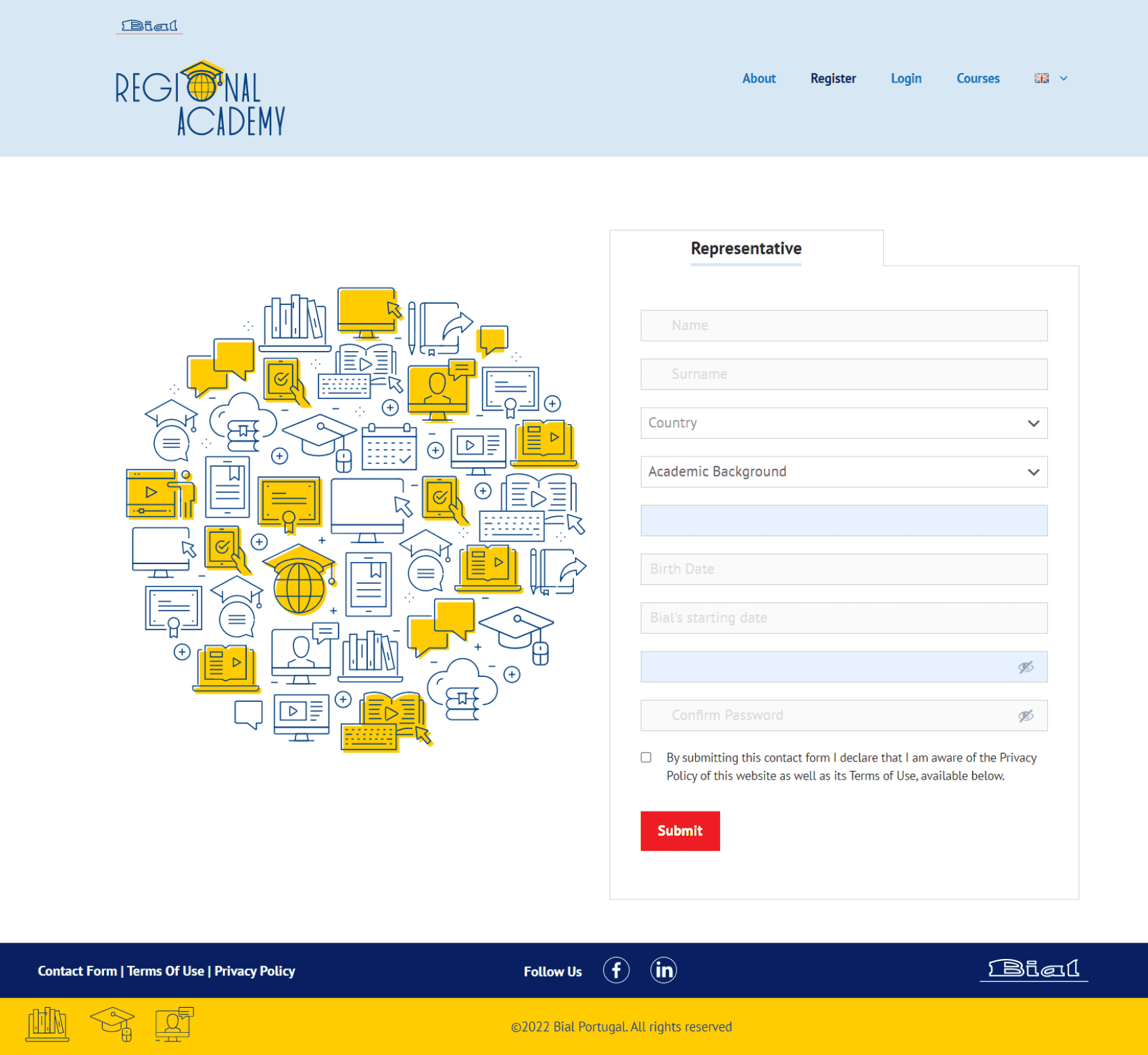
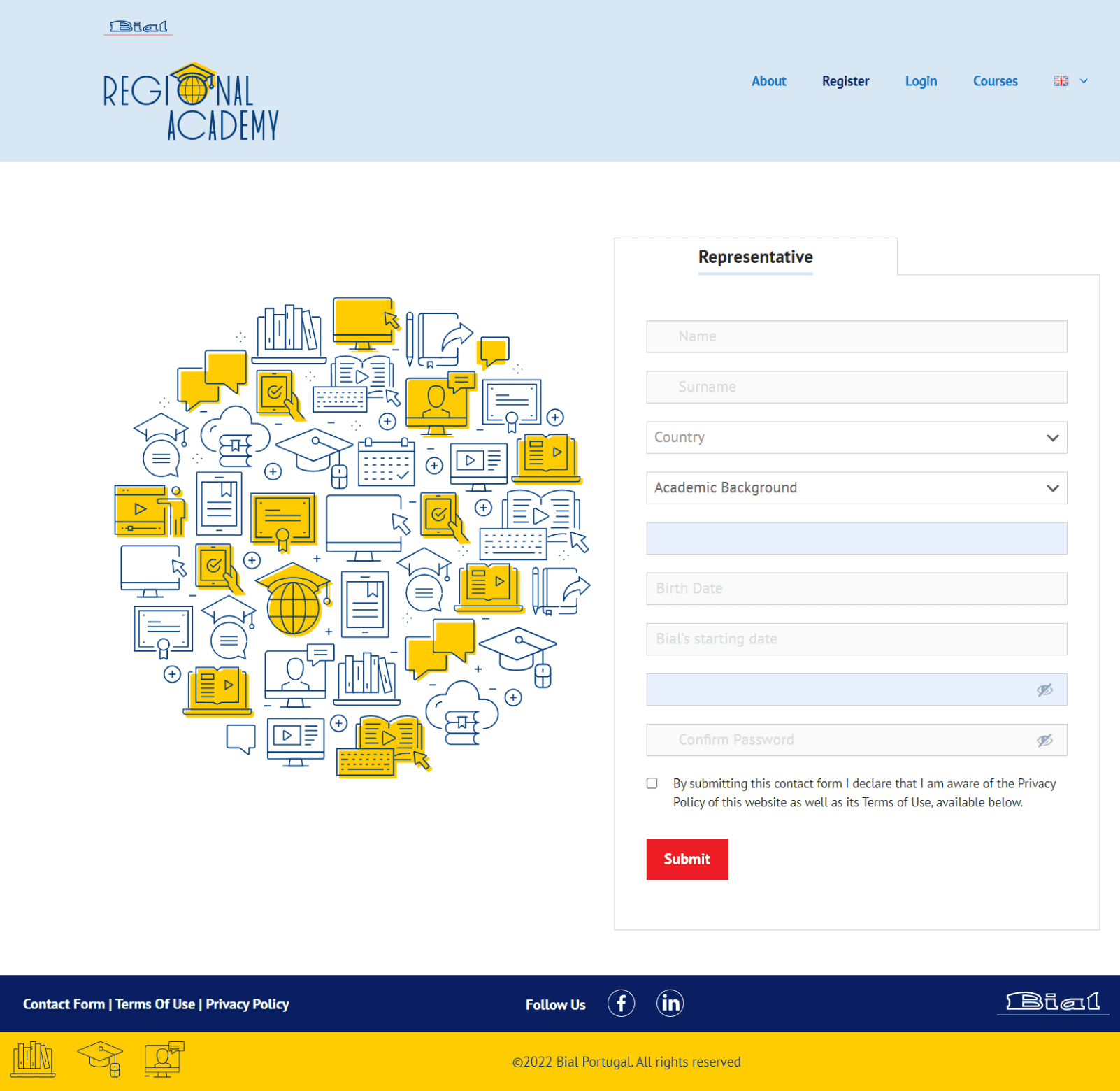
If you are a Medical Sales Representative and you work with Laboratório Bial, you should start by registering on the platform.
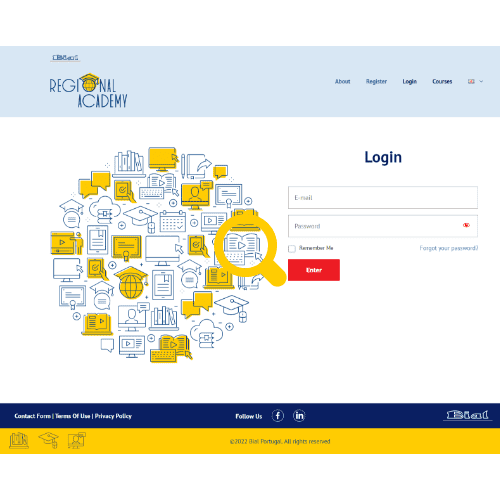
Once your registration has been confirmed, you will be able to access the courses available on the platform. To do this, just log in with the credentials you registered with.
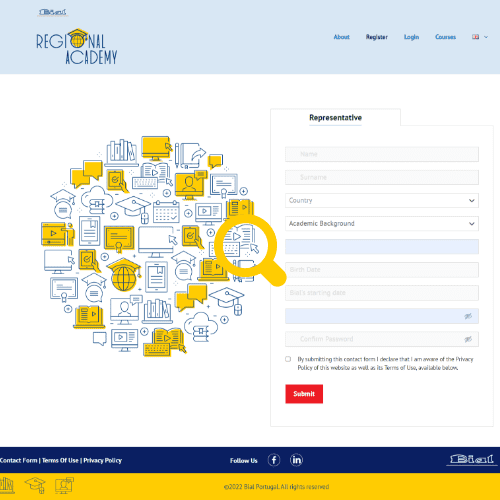
You must access the registration page, fill in the requested data and wait for validation by the Bial Academy team.
Please check that you are using only one word for the first name, and one word for the surname. If the error persists, we kindly ask you to capture an image (print screen) of what you found and send it to regional.academy.support@bial.com.
After registration, the Bial Academy team will verify your details and proceed with its validation. Once this process has been completed, you will receive confirmation of your registration to your email. From then on, you are ready to login and access the platform.
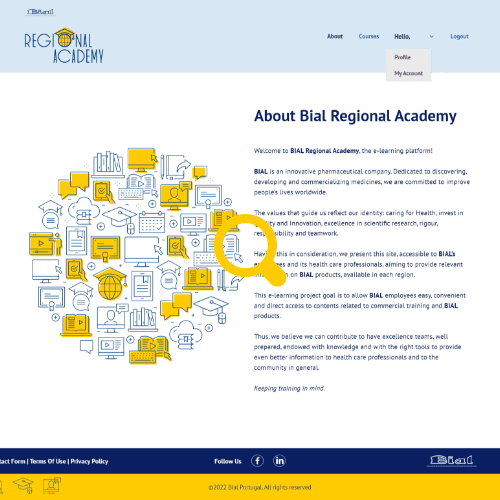
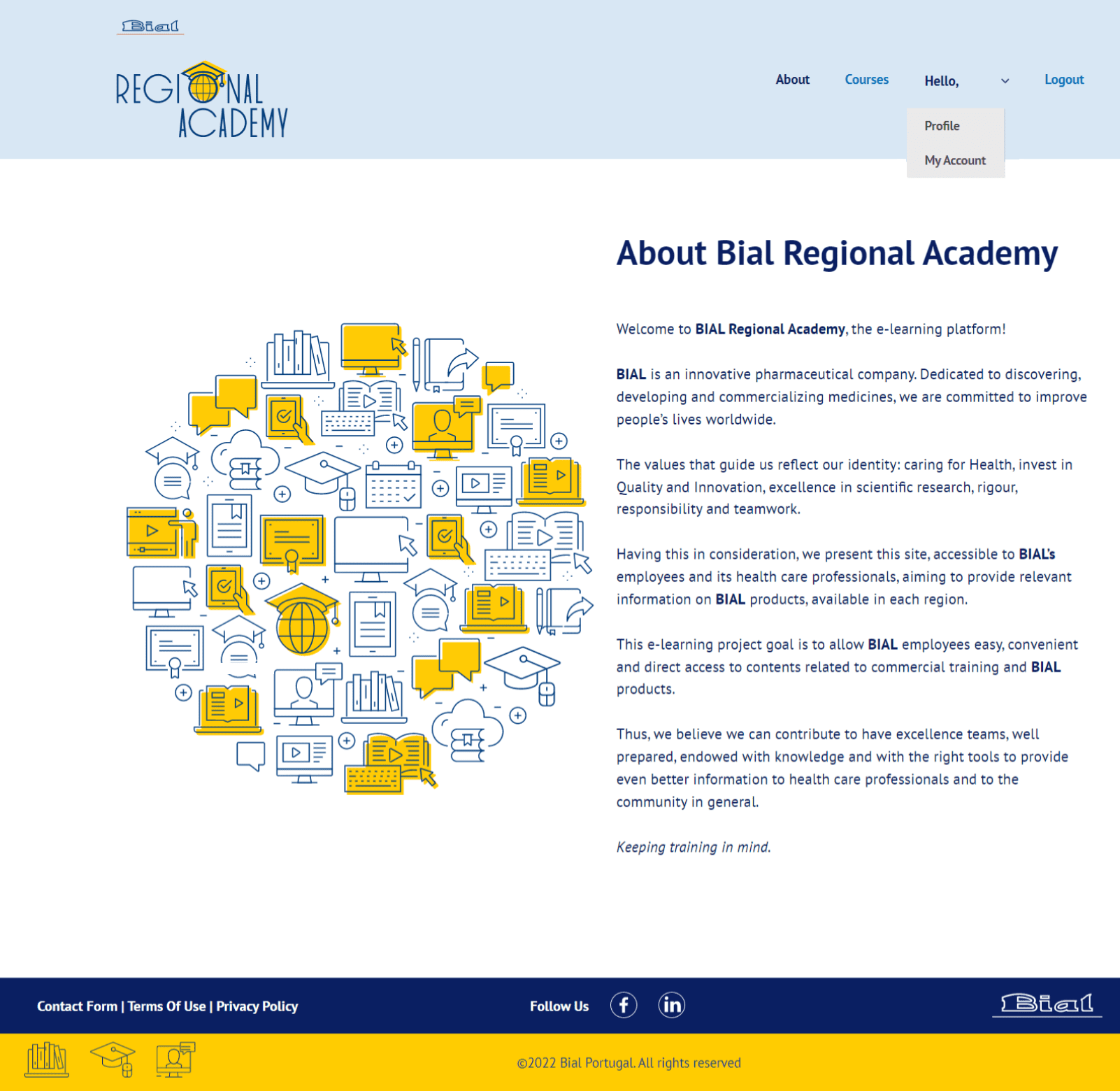
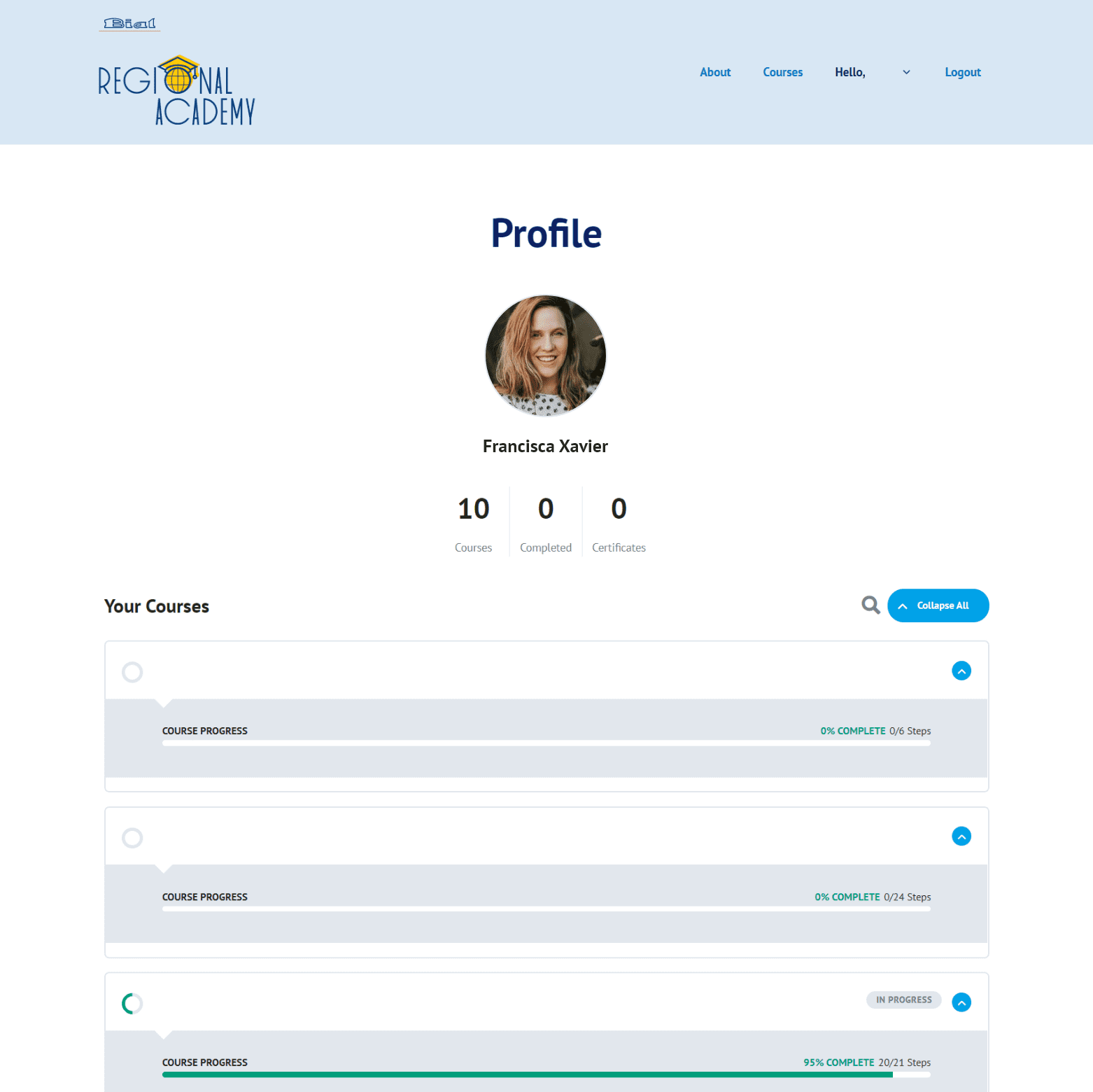
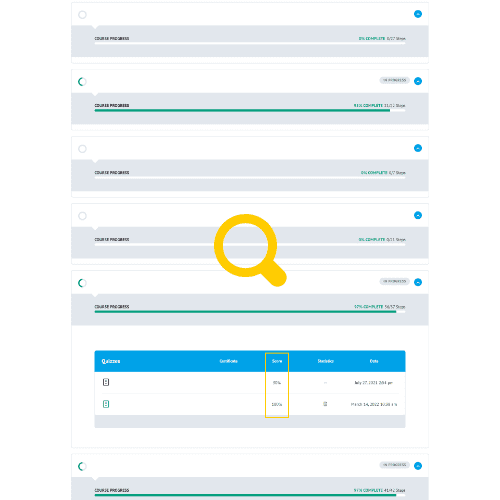
To access your profile, use the details with which you registered, log in and enter the “Profile” menu. Here you can consult all of the courses available, take tests, or download your certificates.
If you encounter an error when logging in to the platform, we kindly ask you to capture an image (print screen) of what you found and send it to regional.academy.support@bial.com.
We kindly ask you to contact the local person in charge or, alternatively, you can report the situation to regional.academy.support@bial.com.
- Confirm with your supervisor that this is the date set for the test.
- If you find that the site is down, please report the situation to regional.academy.support@bial.com.
- To gain access to the test, it is mandatory that you complete all of the modules from the course. Please confirm that you have completed this task.
- Currently, you can sit the same test twice. If you do not achieve the minimum grade set, you will not pass the course, and access to re-take the test will be blocked.
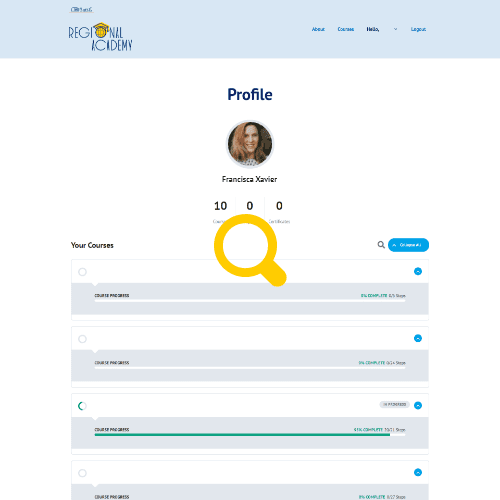
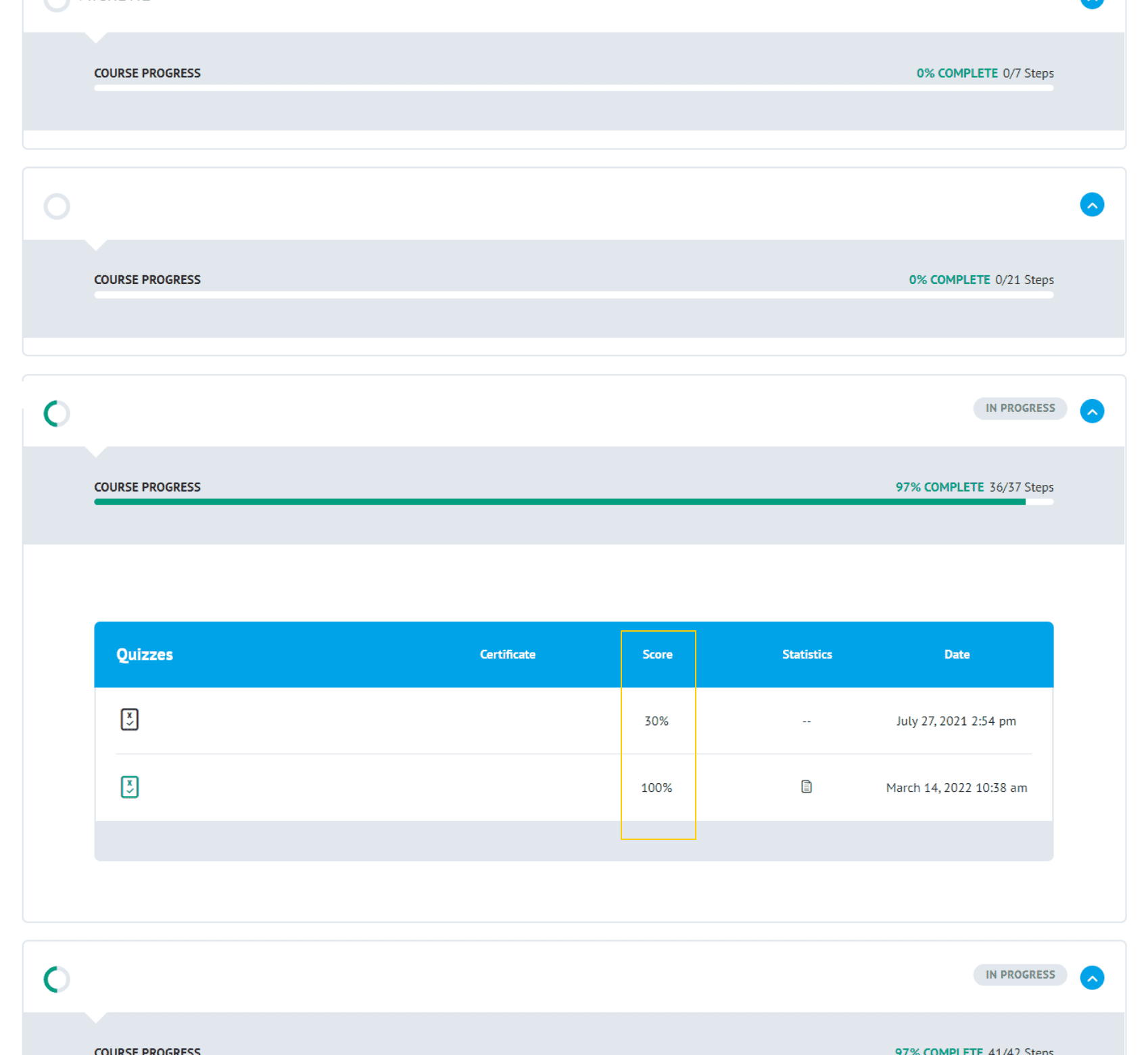
After logging in to your profile, go to “Profile” and choose the course for which you want to know your grade. If you are unable, we kindly ask you to capture an image (print screen) of what you found and send it to regional.academy.support@bial.com.
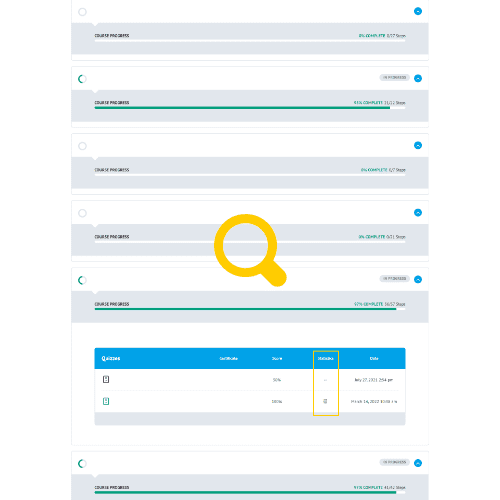
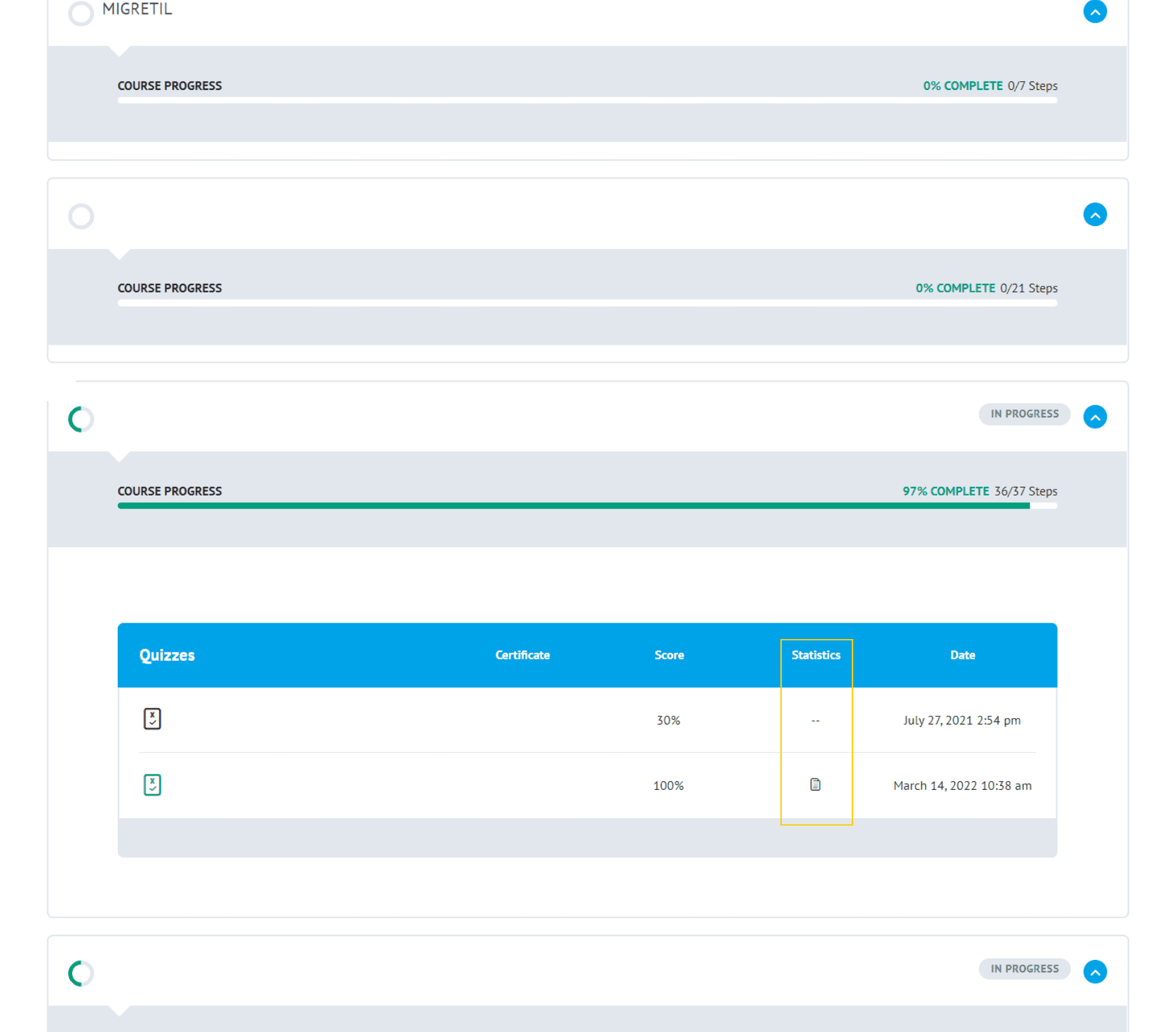
After logging in to your profile, go to “Profile”, choose the course you wish to know more about and click on the icon associated with “Statistics”. If you have obtained a grade lower than the minimum required to pass, you will not have access to this information. If you cannot see the information, we kindly ask you to capture an image (print screen) of what you found and send it to regional.academy.support@bial.com.
After logging in to your profile, go to “Profile”, choose the course for which you want the certificate and click on the icon associated with “Certificate”. Note that obtaining the certificate implies having a positive grade in the course, so it will only be available to sales representatives who have passed.
First, you must log in to the platform using your credentials.
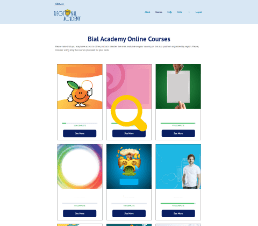
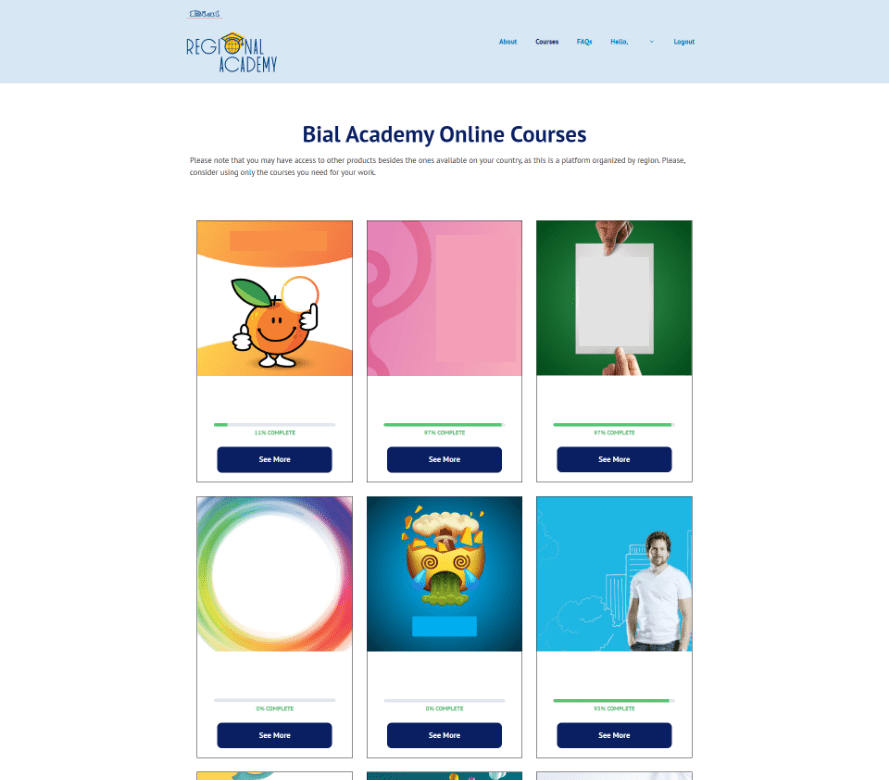
Then, go to the “Courses” tab, choose the product you want and register for the course by clicking on the “Start this course” button. You will only have to follow this process the first time you access each training.